
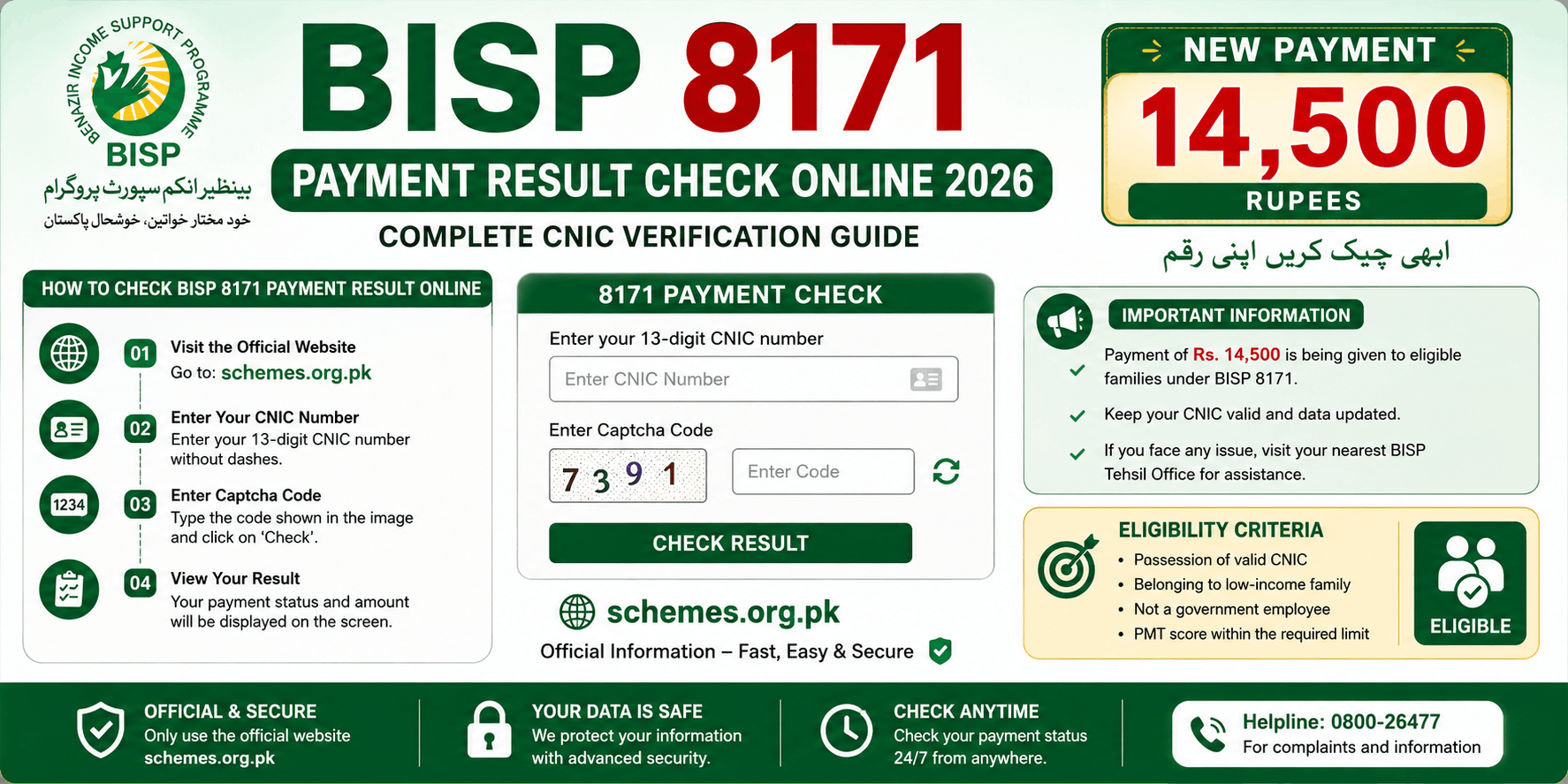
BISP 8171 Payment Result Check Online : Complete CNIC Verification Guide

Millions of families across Pakistan rely on the Benazir Income Support Programme (BISP) for financial assistance. If you are waiting for your latest payment, knowing how to perform a BISP 8171 Payment Result is essential. The government has made it easier than ever for beneficiaries to verify their payment status through the 8171 system. Whether you want to check your eligibility, confirm a payment release, or verify your registration details, this guide covers everything you need to know.
Also read: BISP Double Payment 27000 Eligibility & Payment Check
Quick Summary Table
| Topic | Details |
|---|---|
| Program Name | Benazir Income Support Programme (BISP) |
| Year | 2026 |
| Payment Amount | Rs. 14,500 |
| Check Method 1 | Online through 8171 Web Portal |
| Check Method 2 | SMS CNIC to 8171 |
| Required Document | Valid 13-digit CNIC |
| Eligibility Check | Available through 8171 system |
What Is BISP 8171?
The Benazir Income Support Programme (BISP) is Pakistan’s largest social welfare initiative designed to support low-income households through direct cash assistance.
The 8171 system allows beneficiaries to:
- Check payment status
- Verify eligibility
- Confirm registration details
- Track application progress
- Receive payment notifications
The service is available online and through SMS, making it accessible even in remote areas.
Also read: Benazir Taleemi Wazaif Program Check Online By CNIC-May 2026 Update
How to Check BISP 8171 Payment Result Online
The easiest way to verify your payment is through the official 8171 portal.
Step-by-Step Process
Step 1: Visit the 8171 Portal
Visit the official BISP portal 8171.bisp.gov.pk
Step 2: Enter CNIC Number
Provide your:
- 13-digit CNIC number
- Verification code displayed on screen
Step 3: Submit Information
Click the submit button.
Step 4: View Result
The system will display:
- Eligibility status
- Payment details
- Registration information
- Verification status
BISP 8171 Payment Result Check by SMS
People without internet access can use the SMS service.
SMS Method
- Open mobile messages.
- Enter your 13-digit CNIC number.
- Send it to 8171.
- Wait for the response message.
The system will inform you whether:
- You are eligible
- Payment has been released
- Additional verification is required
Information Required for Payment Verification
Before checking your result, keep the following ready:
Required Documents
- Original CNIC
- Registered mobile number
- Family registration details
- Survey information (if available)
Accurate information helps avoid verification delays.
Who Can Receive BISP Payments?
Eligibility is determined through socioeconomic assessments.
General Eligibility Criteria
Applicants usually qualify if they:
- Belong to low-income households
- Have limited financial resources
- Meet government poverty score requirements
- Are registered through the BISP survey
- Possess a valid CNIC
Priority is often given to:
- Widows
- Disabled individuals
- Female-headed households
- Economically vulnerable families
FAQs
Q1: How can I check my BISP 8171 payment result online?
Enter your CNIC number and verification code on the official 8171 portal to view your payment status.
Q2: Can I check BISP payment through SMS?
Yes. Send your 13-digit CNIC number to 8171 and wait for the response message.
Q3: Why is my BISP payment showing under verification?
Your household data may be under review or additional verification may be required.
Q4: What should I do if my payment is delayed?
Visit the nearest BISP office, update your survey information, and verify your biometric data.
Q5: Is there any fee for checking BISP payment status?
No. Payment verification through official BISP channels is free.
Final Thoughts
The BISP 8171 Payment Result system allows beneficiaries to verify their payment status quickly and conveniently. Whether you use the online portal or SMS service, regularly checking your payment information ensures you stay informed about eligibility and installment releases. If your payment is delayed, verify your CNIC details, update your survey information, and contact the nearest BISP office for assistance. Staying proactive can help you receive your financial support without unnecessary delays.